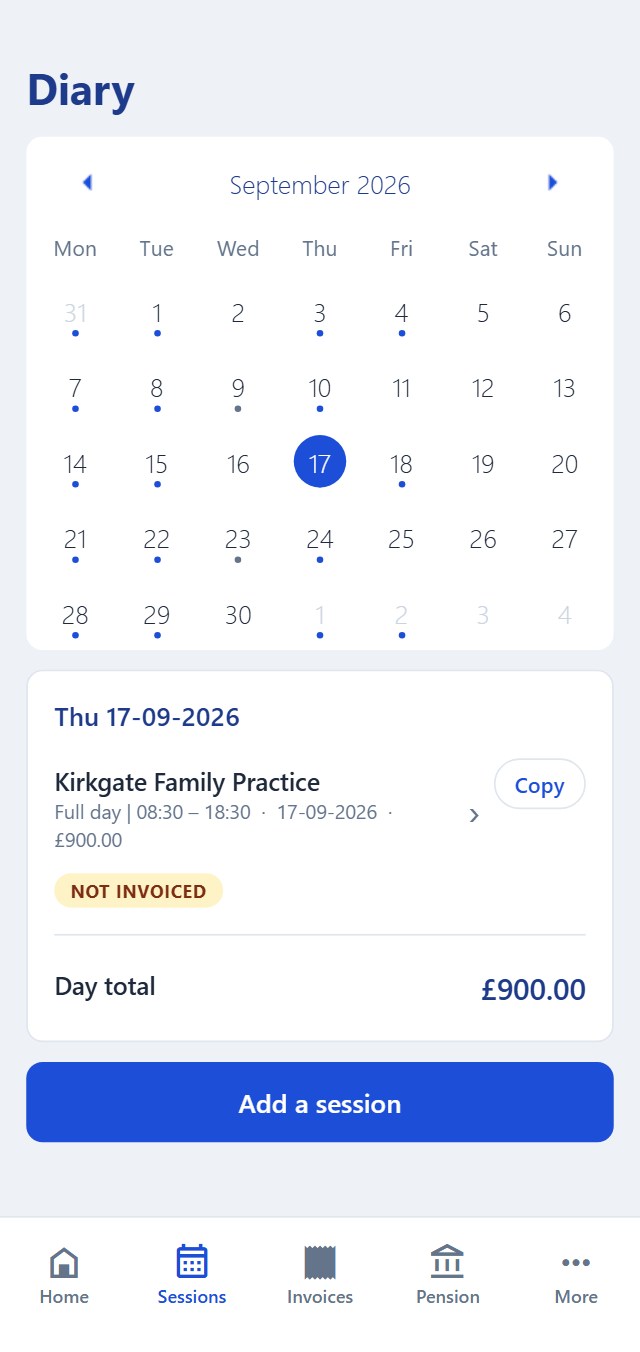
Diary
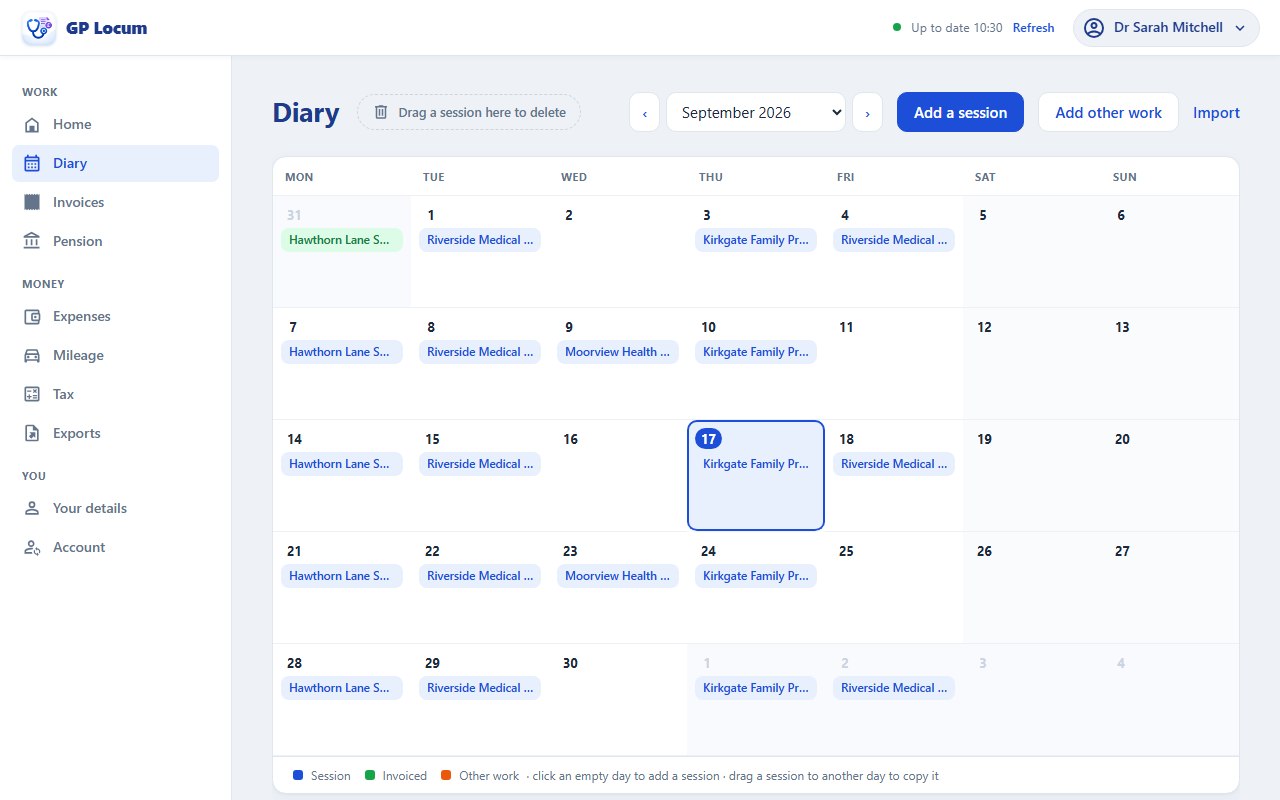
Add sessions in fast. Copy repeat bookings and see your whole month at a glance.
 GP Locum
Everything a locum GP needs
Built by a working GP, for GPs.
Start on your phone or laptop and pick up where you left off.


Add sessions in fast. Copy repeat bookings and see your whole month at a glance.
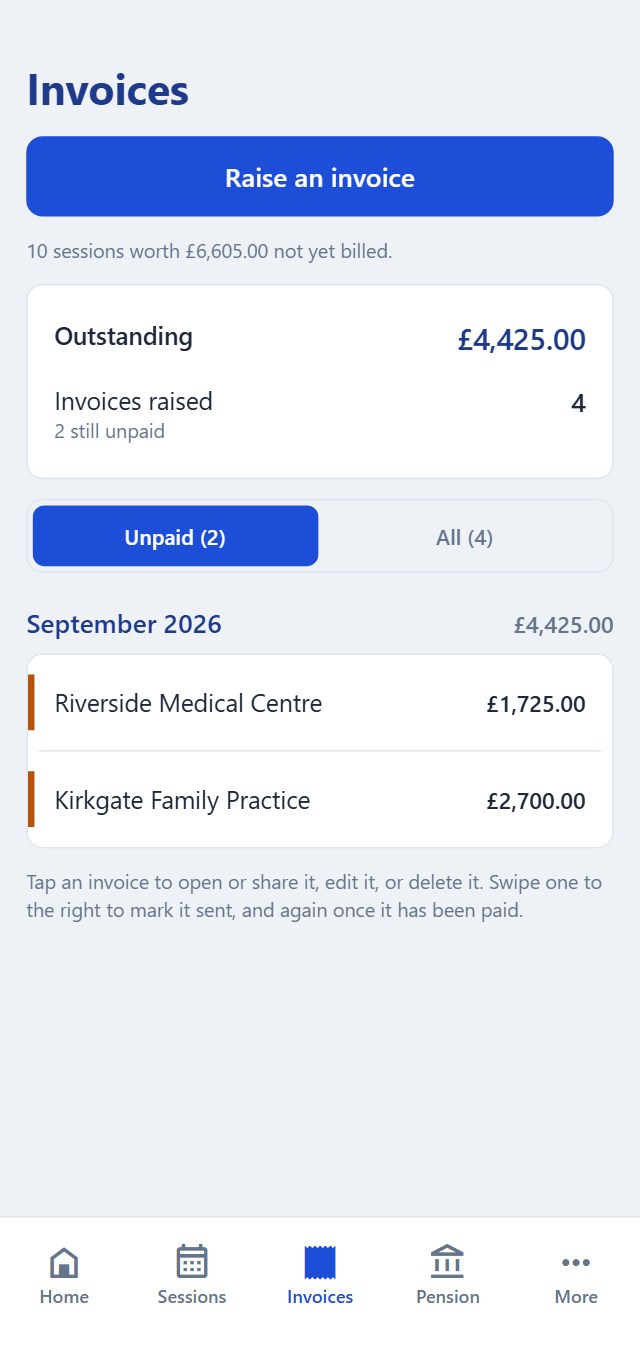
Turn your sessions into PDF invoices in seconds andtrack who has paid you.
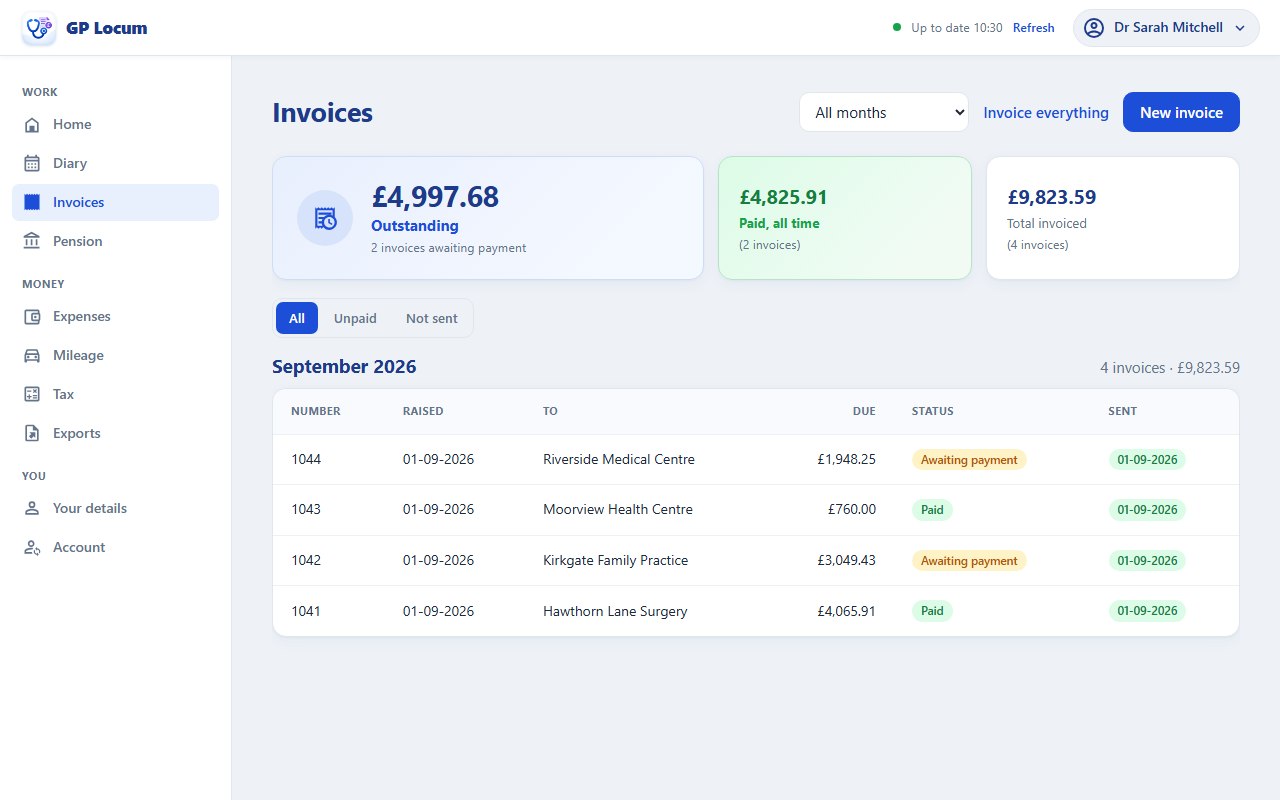
Form A and Form B filled in for you, with a countdown so the 10-week deadline never sneaks up on you.
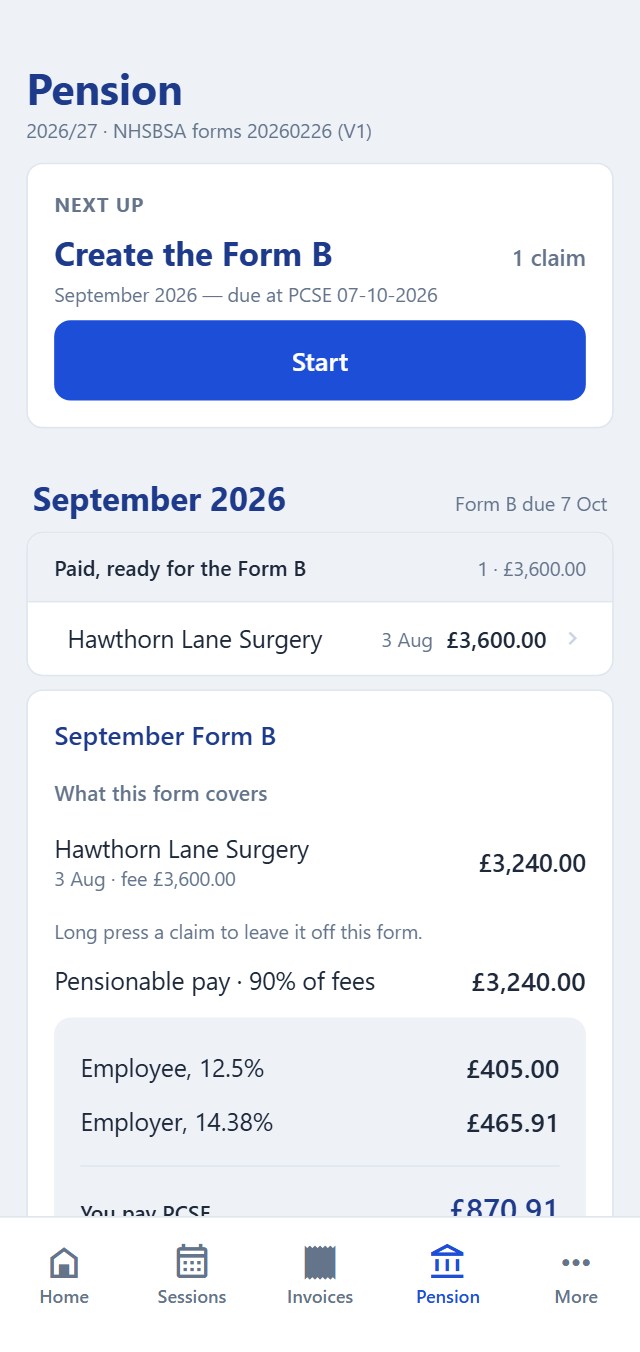
Monitor what to set aside for tax and send Making Tax Digital figures to HMRC via bridging software.
Your own booking link, with your sessions and your terms. Practices you trust can book straight away without waiting for you to accept. No booking fees.
Add your free days, your session details and your terms, once. Repeat them weekly if your weeks look alike.
They see only your free dates, never where you are working. They pick the sessions they want and agree to your terms.
Requests arrive as a notification and by email. Accept, change or decline, and accepted sessions go straight into your diary.
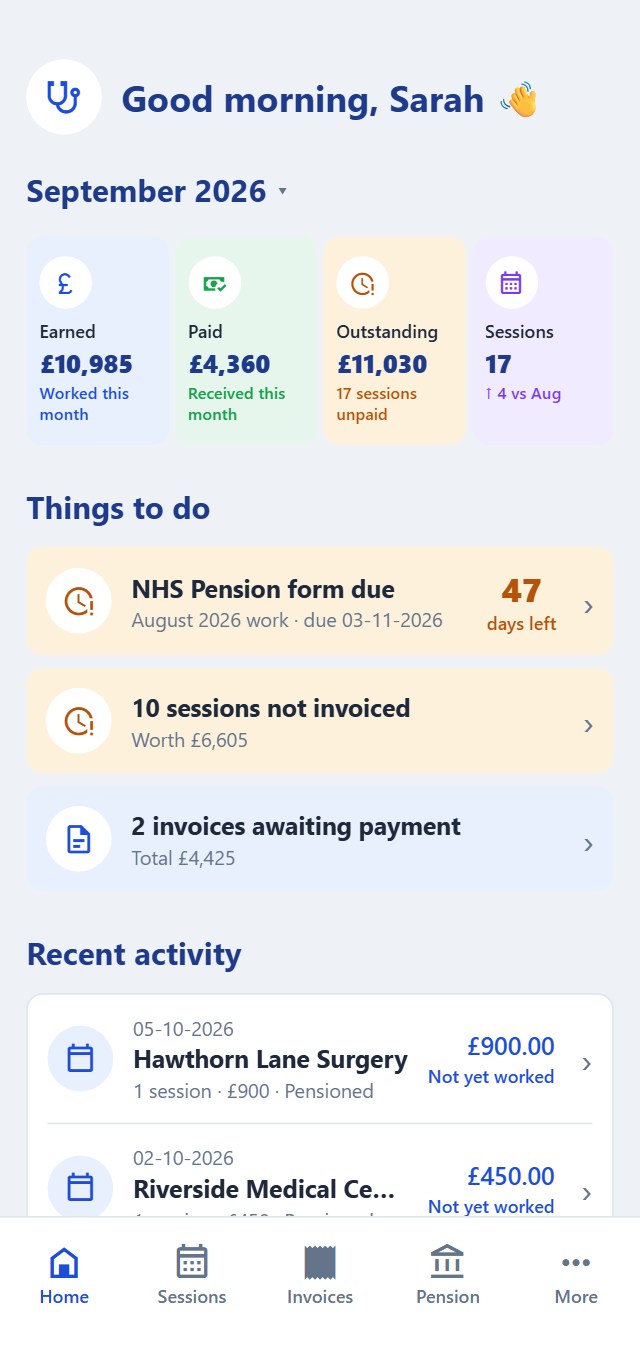
One set of records. Log a shift on your phone and it syncs to the website. Change something on the website and it's back on your phone.
In a practice, on the train, in a car park. Log it anywhere via the app.
Get online and everything syncs automatically. Change something on the website and your phone changes too.
Raise an invoice, fill in Form A, do the boring bits on a proper screen. Your phone syncs automatically.
Pop in your email and we will send you a 6-digit code. No password to forget.
Your bank and ID details are scrambled on your own devices, with a key we never get to see. Start on the website and you make the key there and save a recovery code. Start on your phone and you pair the website by scanning a code.
The app works on its own. Sign in whenever you prefer the website or want a backup copy of your records (in case your phone takes a swim!)
Pick the practice, the date, your rate, and whether it is pensionable. Every practice remembers its usual fee, and regular shifts copy forward. On the website the diary is a proper calendar: click an empty day to add a shift, or drag one to another day to copy it.
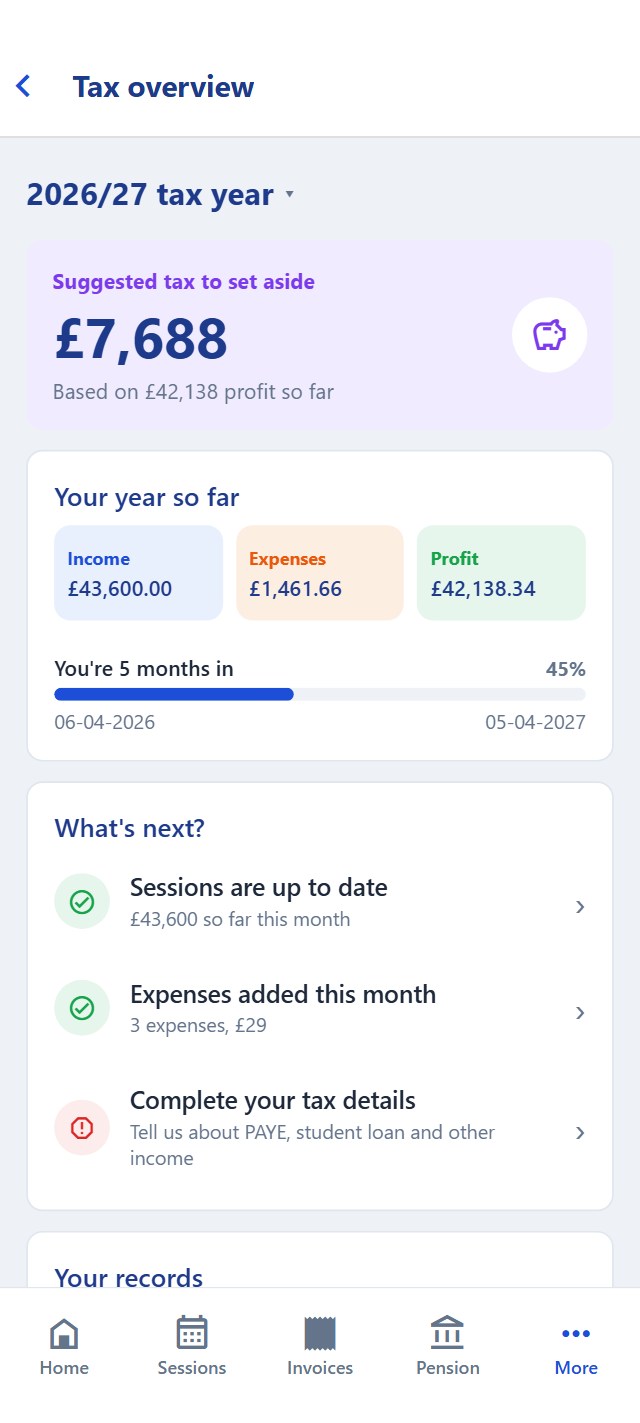
Tick the shifts you have not billed yet to produce a PDF, with your bank details and payment terms on it. The numbering looks after itself, and you can mark each invoice sent and paid, so you always know who owes you what.
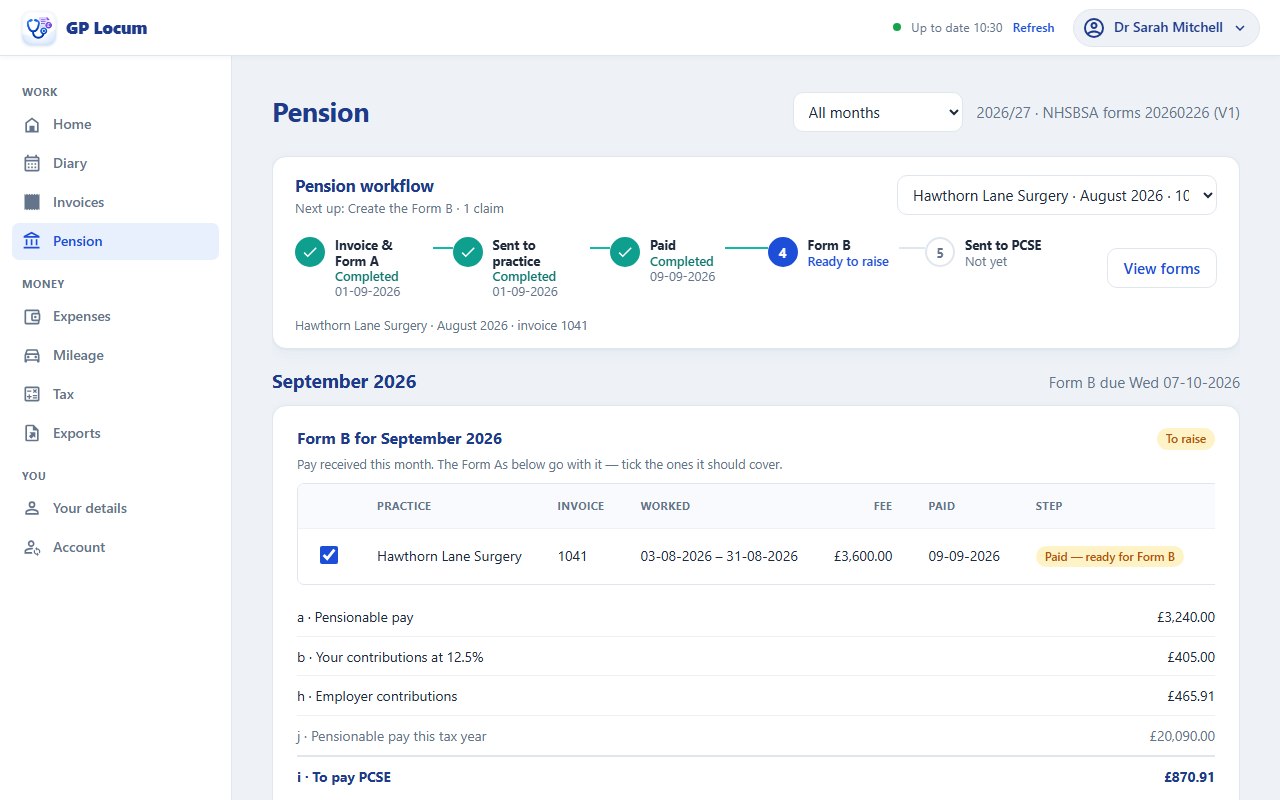
The real NHSBSA forms, filled in from the shifts you have logged. The 90% pensionable pay, the employer contribution, your tiered rate and Box J are all worked out, and the 10-week countdown keeps you honest. On the website, each month's Form B sits alongside the Form As that go with it.
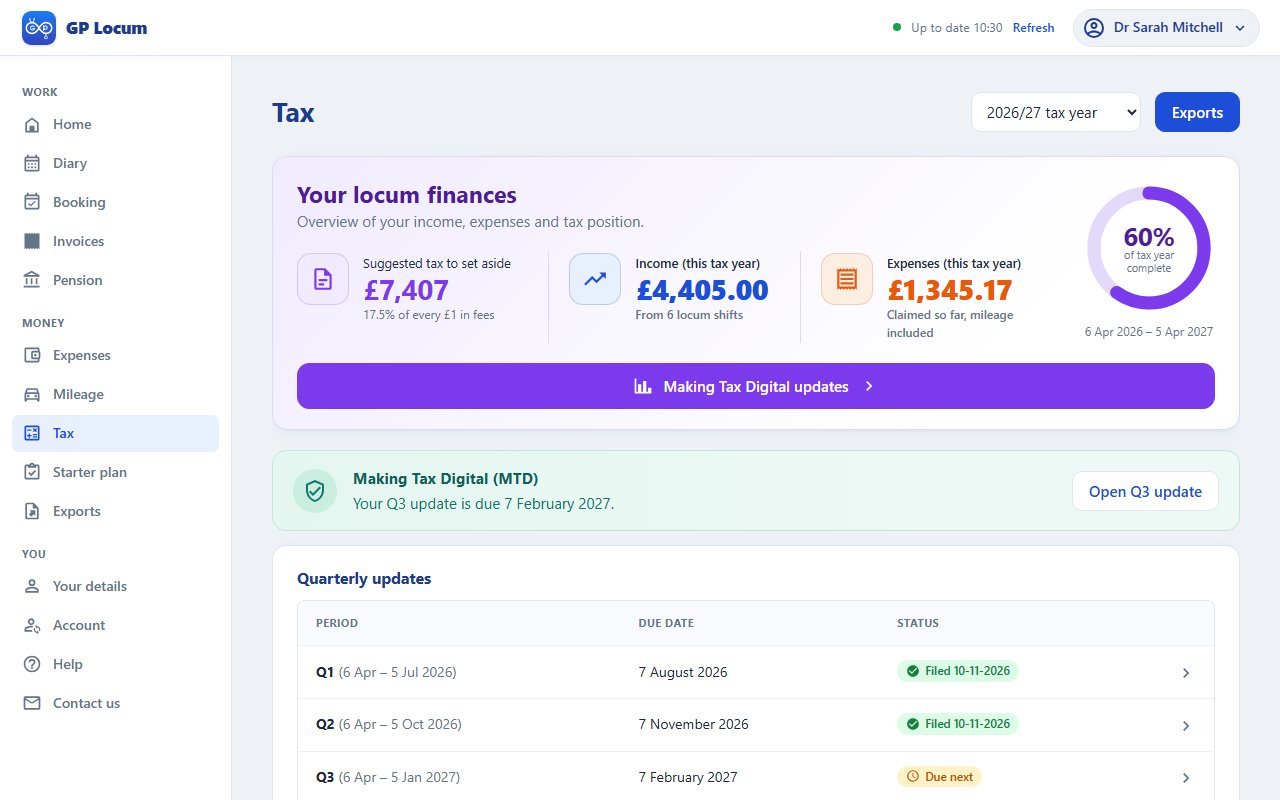
A running figure for the tax bill, worked out from the shifts and expenses you have already added: income tax, National Insurance, student loan and payments on account, updated as the year goes on.
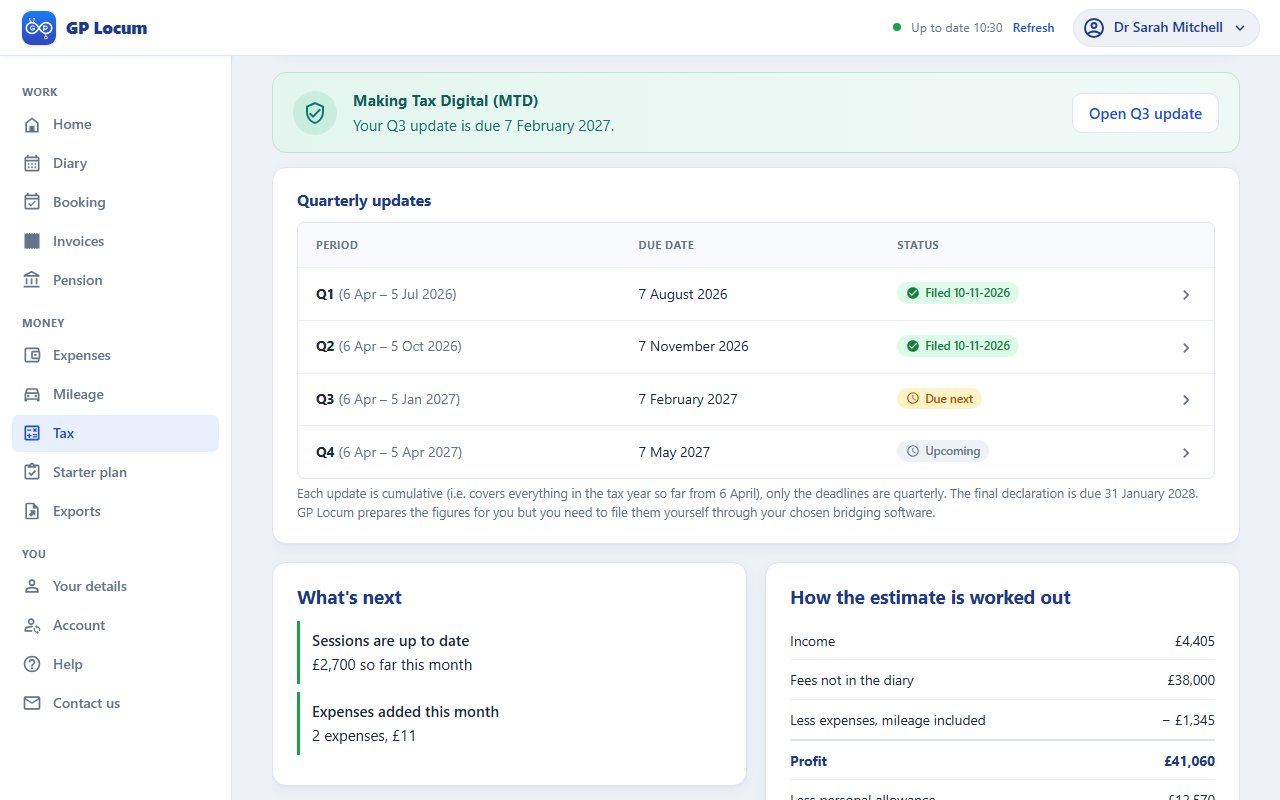
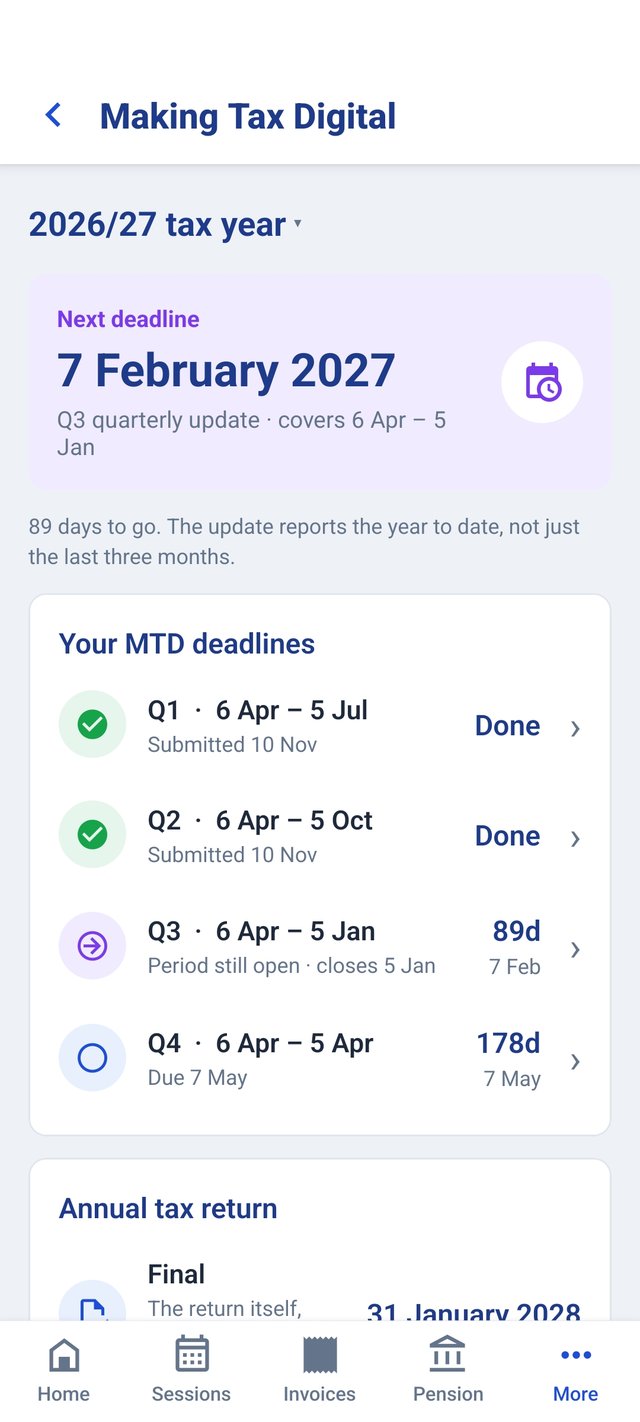
Your Making Tax Digital quarterly updates get put together in HMRC's boxes, with the workbook your bridging software wants, and each deadline counts down so none of them catches you out. We get the figures ready, and you send them through that software.
You have already logged where you worked and when, so the mileage log builds itself: one line a day at the HMRC rate, with the drop after 10,000 miles taken care of.
Add them as they happen, filed the way your tax return likes them: indemnity, GMC, memberships, kit, travel.
Income and expenses for a tax year, a quarter or any dates you like, as a PDF or a spreadsheet.
Everything free for 90 days, and no card needed.
Diary, invoices, expenses, mileage and statements remain free. Nothing you have already made ever gets taken away.
The pension forms, the tax set-aside, Making Tax Digital updates and the bridging workbook, plus automatic road distances to each practice and practices booking you from your own link, with no booking fees. £5.49 a month or £49.99 a year.
Clear guides on tax, the NHS Pension and Making Tax Digital, plus free calculators, on our sister site GP Finance Tools. No sign-in needed.
A checklist: performers list, indemnity, HMRC registration, invoicing, pension forms and setting your fees.
Read the guideForm A and Form B, the 10-week deadline and annualisation, explained step by step.
Read the guideWho has to join, the quarterly deadlines and how pension contributions are treated.
Read the guideWhat comes out of a locum fee: income tax, National Insurance, student loans, and the January bill.
Read the guideOr get the app on your phone: