 GP Locum
I marked something as paid by mistake
Open the invoice and take the paid date off with Clear.
On the phone
- Open the Invoices tab and tap All.
- Tap the invoice, then scroll down to where it says Paid on.
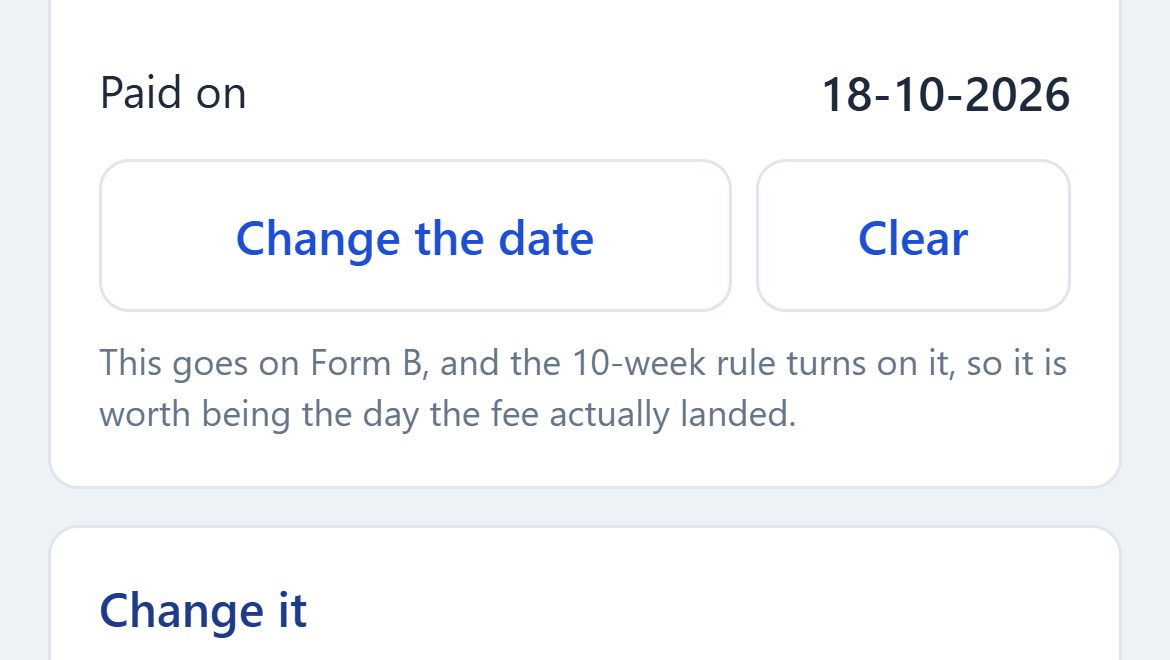
- Tap Clear, next to Change the date.
On the website
- Open Invoices and click the invoice.
- Under Paid, click Clear.
What happens next
- The invoice goes back to your unpaid list, with the same number, and is counted as outstanding again.
- Its sessions stay on the invoice, so they still won't be offered on a new one. Usually that is what you want, because the practice can pay the invoice it already has.
- On a pensioned invoice, the claim goes back to waiting on the practice and leaves that month's Form B. If a Form B covering this work has already gone to PCSE, speak to PCSE before you change anything.
If it was paid, but the date is wrong
Tap Change the date on the phone. On the website, pick the date under Paid and click Change the date. The date goes on Form B, so make it the day the money actually arrived.
Still stuck? Contact us and tell us whether you are on the phone app or the website.