 GP Locum
I can't find an invoice or my dates aren't offered
Nearly always, the sessions are already on an invoice. Each session can only go on one, so those dates stop being offered once the invoice is raised. An invoice marked as paid is also hidden when the phone's Invoices tab first opens.
Check whether the sessions are already invoiced
On the phone
- Open the Sessions tab and find one of the dates. A session already billed shows Invoice and its number, and Paid if it has been marked as paid.
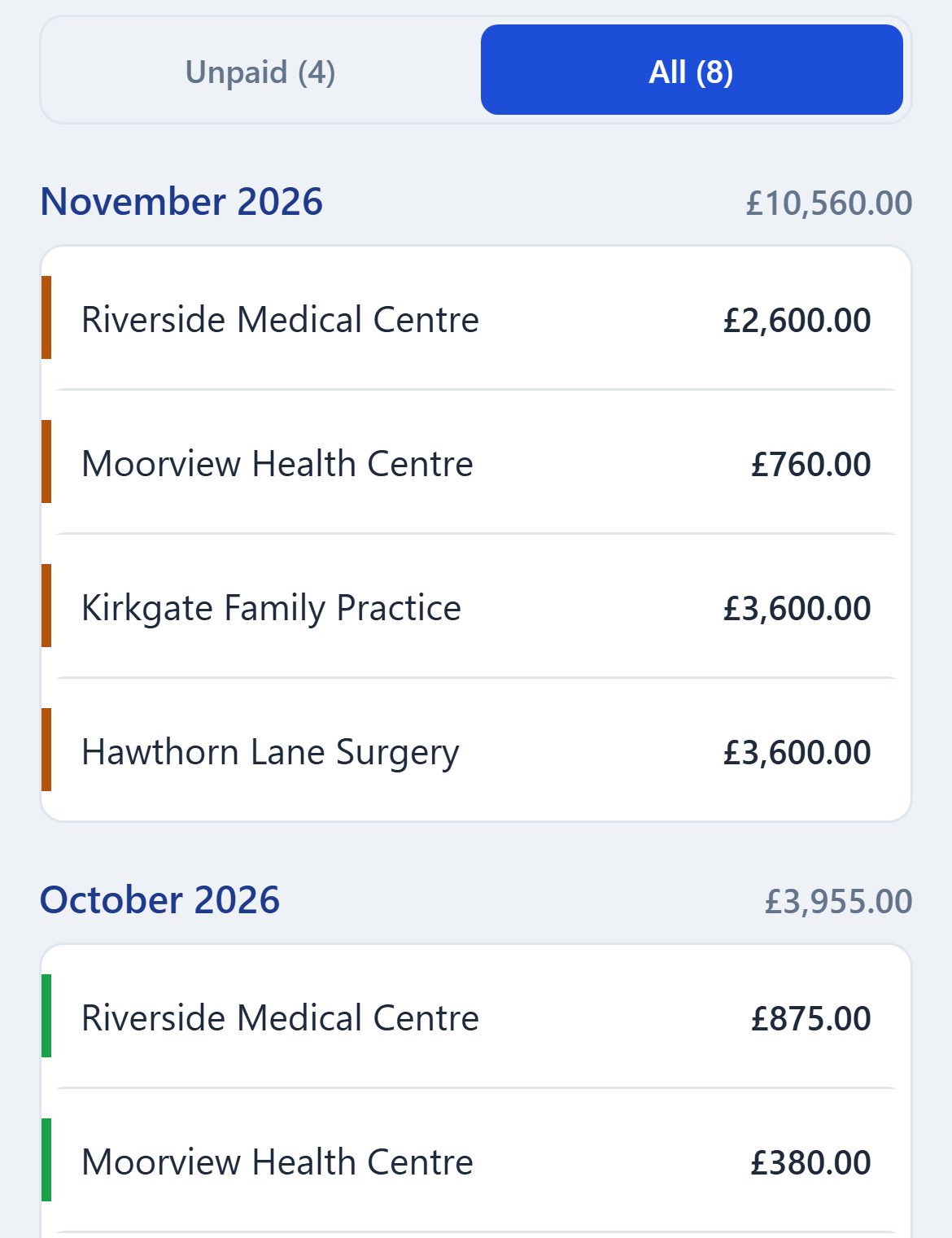
- Open the Invoices tab and tap All. The tab opens on Unpaid, so a paid invoice isn't listed until you do.
- Look under the month the invoice was raised, which may not be the month you did the work. Rows show the practice and the amount, so tap one to see its number and the days it covers.
On the website
- Open Diary and click one of the dates. The list under the calendar shows whether that session is invoiced, and on which invoice.
- Open Invoices. It lists every invoice with its number, newest month first.
If they really aren't on an invoice
- The date hasn't arrived yet. A session can't be invoiced until its day has begun.
- It's under another practice. A new invoice shows one practice's sessions at a time. Tap the other practice's name under Who is this for? (Who is it for? on the website).
- Its practice has been deleted. The website's diary says Practice not found. Add the practice again, open the session, and choose it again.
Need to bill those sessions again?
Taking the paid date off doesn't free them, because they are still on the invoice. See Correcting or cancelling an invoice.
Still stuck? Contact us and tell us whether you are on the phone app or the website.